How do you know an account is in market?
The short answer: You know an account is in market when you can see the signals behind its score, which people inside it are engaging, and how it has moved through buying stages over time. UserGems scores every account and contact transparently, shows every signal behind each score, puts the right contacts in front of reps, and pushes the same audience to your ad platforms, so your team can see exactly why an account is hot and act on it the same day.
Your ABM platform flags an account as in market, and you pass it to sales feeling pretty good about it. Then the questions start. How do you know? Who should we actually reach out to? Why now, and what should we say? If the only honest answer is "the score said so," the account usually ends up at the bottom of someone's list, right next to the other forty accounts nobody could explain.
We hear this from ABM and ops teams all the time, and it's rarely a data problem. Most teams have more signals than they know what to do with. What's missing is a way to show the work behind the score, so sales trusts it, and a way to turn that trust into outreach and ads that hit the same people at the same time. This guide walks through how we do that, using the workflow from the video above.
What does "in market" actually mean in ABM?
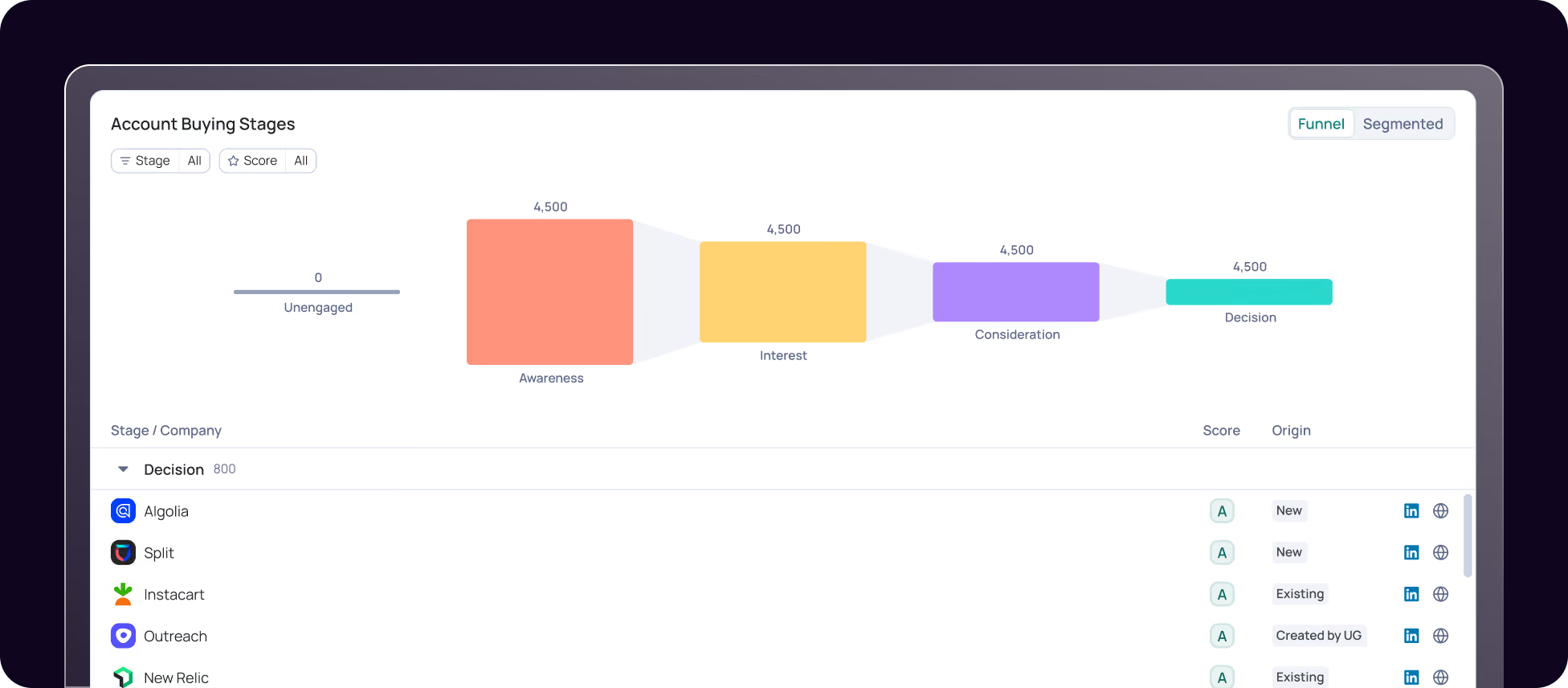
An account is in market when there's enough evidence that it's actively working on a problem you solve, right now. That evidence comes from two places that are worth keeping separate. Fit tells you whether the account looks like your best customers. Buying stage tells you how far along it is, from early awareness through to active evaluation and decision. Here's how UserGems calculates Buying Stages, if you want the detail.
Put the two together and prioritizing gets a lot simpler. An A or B account in the Decision stage is your top priority, and someone should reach out today. An A or B account that's still in Awareness or Interest is valuable but early, so it's a better fit for ads and useful content than a hard sales push. A C or D account is rarely worth your ad budget, however busy its website visits look.
Why do teams stop trusting their ABM scores?
Most of the time, it comes down to a handful of things that quietly erode confidence over a quarter:
- The score is a black box. Nobody can tell you why an account is in market, and changing the model means a ticket to a data science team and a few weeks of waiting.
- The model ignores what you know. Your team knows a pricing page visit means more than a blog read, or that webinar attendees convert well, but there's no way to tell the model that.
- You reach the account but miss the people. Account-level targeting lands on whoever the ad platform picks, rather than the buying committee you actually need. (We wrote more on reaching humans instead of accounts.)
- Sales and marketing work different lists. Ads warm up one set of accounts while reps call another, and both teams wonder why nothing connects.
- There's no view of movement. You can see pipeline at the end, but not which accounts got closer to it along the way, or what moved them.
How does transparent account scoring work?
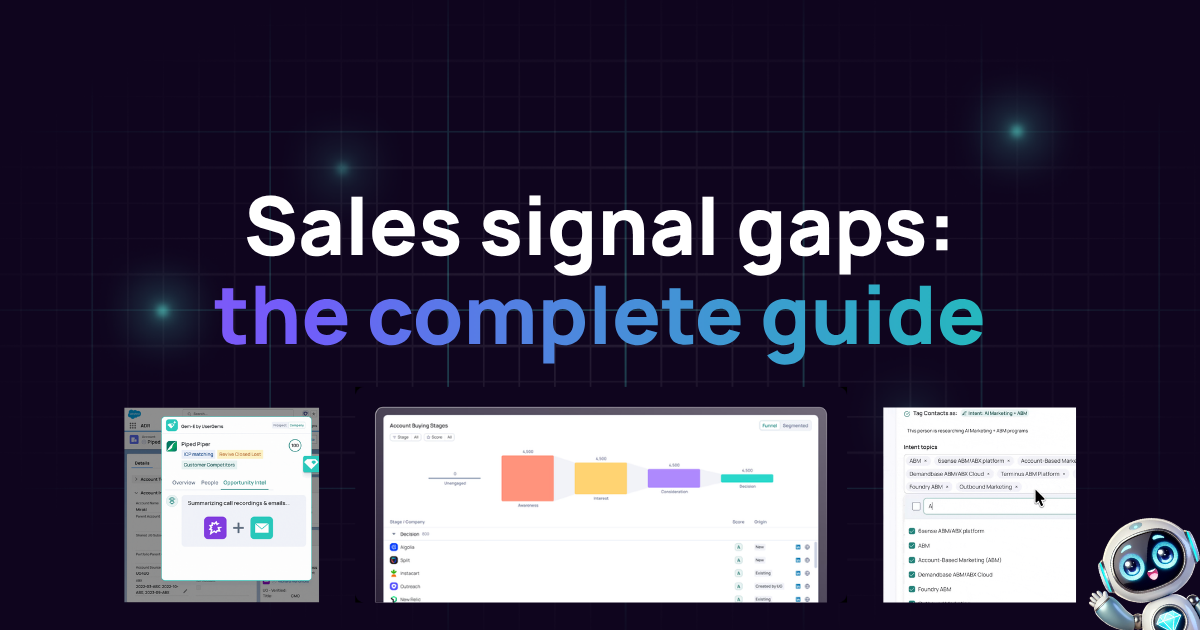
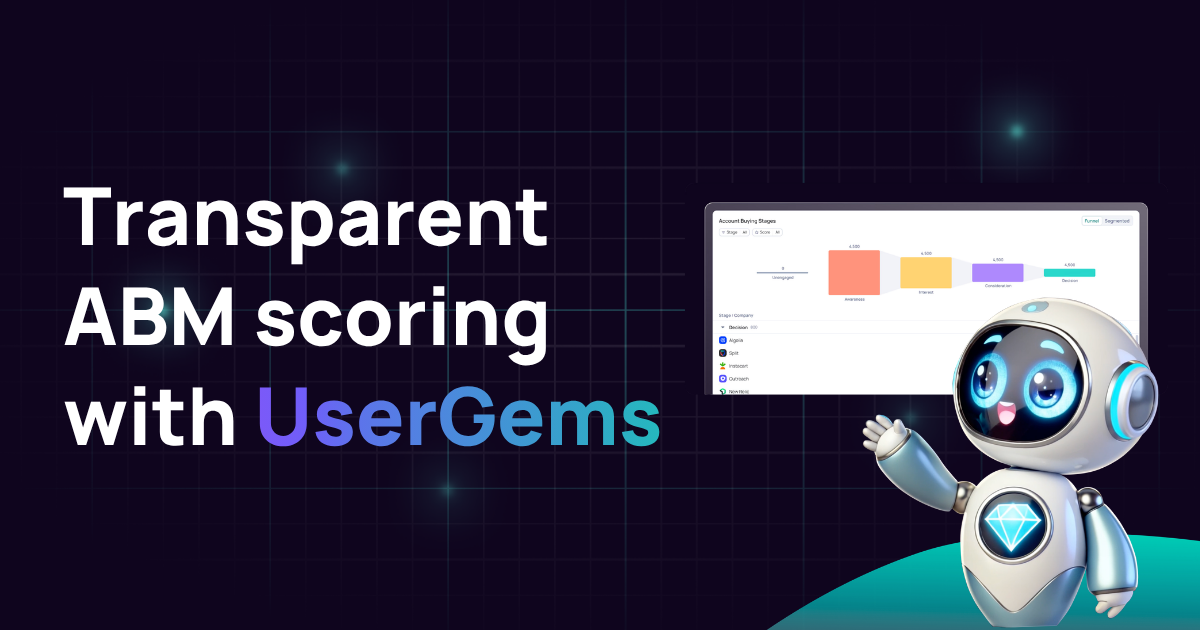
Imagine your whole TAM laid out in front of you. UserGems scores every account from A through D and maps each one to a buying stage, and you can click into any account to see every signal behind its score. It also scores the contacts inside each account and ranks them by their signals, so the people most likely to engage rise to the top instead of getting lost in an org chart.
The weights behind those scores come from an AI model that analyzes your own customers or target segments, rather than an industry average. Crucially, you can see those weights and adjust them yourself at any time, without bringing in a data scientist. That's the difference between a score your reps argue with and a score they can check for themselves.
You can also bring your own custom signals into the model. Maybe you want pricing page visits to carry more points, or you want to count attendance at a recent event or webinar. Every adjustment can be previewed in real time, so you can see exactly how it changes the distribution of your accounts before you commit to it.
How do reps know who to contact and why?
Knowing an account is in market is only half the job, because your team still needs to know who to reach out to and what to say. With UserGems, by the time reps start their day, the right accounts and contacts are already prioritized and loaded into a sequence for them. They can open any record and see exactly why each contact and account was chosen, which makes the first call a lot less awkward.
From there, the Gem-E Writing Agent takes all of the account and contact signals and writes dynamic emails, so reps never start from a blank page. When reps pick up the phone, those same signals become a call cheat sheet, and that's how teams book two to three times more meetings from calls. Because the AI Chrome Extension shows up directly inside the CRM and sales engagement platform, there's no new tool for reps to learn.
Can you build an ABM campaign in Claude or ChatGPT?
Yes, and this is usually the part that gets marketers and ops teams excited. With the UserGems MCP connected, you can build, run and audit ABM campaigns directly inside Claude or ChatGPT. In the video, we ask the MCP for a distribution of our TAM, and it finds about 300 accounts. Then we ask it to build an ABM campaign around the hottest ones.
What's nice is that it holds your hand through the whole process. It asks questions along the way, fills in gaps you might have missed, and at the end it links you to the ABM workflow it has already built, so you can review everything before you switch it on. If you want a head start, try a prompt like this:
"Show me how my TAM is distributed across buying stages. Then build an ABM campaign for the A and B accounts that moved into Decision this month, and sync them to LinkedIn."
There are plenty more ready-to-paste prompts in the UserGems Prompt Library.
How do you get sales and marketing on the same audience?
Once the campaign is live, sales reps and SDRs work the same accounts and the same people that marketing is targeting. While sales focuses on the contacts with the strongest signals, marketing can push that same audience straight into LinkedIn, Meta, Google and AdRoll. When someone no longer matches your criteria, for example because a signal-based campaign has moved on, the ad audiences update automatically, so you're not paying to reach people who've gone cold.
Because these are contact-level audiences rather than account-level lists, match rates are much higher than most teams are used to: up to 95% on LinkedIn, up to 85% on Google and up to 70% on Meta. Ad engagement feeds back in, too. When an account engages with your LinkedIn ads, it moves to at least the Interest stage in your Buying Stages view.
How do you know if your ABM is working?
The dashboards are where you check whether your campaigns are actually moving accounts. You can view every account in your TAM and see how it has moved through buying stages over time. Click any stage under transitions and you'll see exactly which accounts moved and the top signals that moved them.
You can also drill into a single account to see its full journey. In the video's example, the buying committee engaged with LinkedIn ads, the sales team reached out, and the account became an opportunity. Seeing that whole picture, across every channel, is what finally lets you show the surround-sound effect of ABM instead of arguing about attribution.
How to set it up, step by step
Each step links to the matching chapter of the video.
- Score and stage your TAM (0:15). Every account gets an A to D grade and a buying stage, and contacts are ranked inside each account.
- Check and tune the model (0:38). Look at the weights behind each score and adjust them yourself.
- Add your own signals (1:11). Give pricing page visits or event attendance more weight, and preview the impact before you save.
- Hand reps a prioritized list (1:46). Accounts and contacts land in a sequence, with the Gem-E Writing Agent drafting emails and call cheat sheets (2:02).
- Build the campaign in Claude or ChatGPT (2:37), then push the same audience to your ad platforms (3:30).
- Track buying stage transitions (4:11) and drill into any account's journey.
What results do teams see?
Teams using Gem-E for ABM have cut their ABM process by 50%, going from four weeks of manual work to about two. They've also run 3X the volume of ABM accounts while keeping conversion to demo requests above 10%.
Most ABM platforms give you a score and ask you to trust it. UserGems shows its work, so your team can stop asking "how do you know?" and start acting on it.
FAQ
How do I know if an account is in market? Look for three things together: strong fit with your best customers, a buying stage that shows active evaluation, and specific signals you can point to, like pricing page visits or engagement from the buying committee. UserGems shows all three for every account, along with the signals behind the score.
What's the difference between account scoring and buying stages? Scoring measures fit, meaning how closely an account matches your best customers. Buying stages measure timing, meaning how far along it is right now. UserGems calculates them separately and uses both to set priority.
Can I change the scoring model without a data scientist? Yes. In UserGems you can see the weights behind every score, adjust them, add custom signals and preview the impact yourself.
Which ad platforms does UserGems sync audiences to? LinkedIn, Meta, Google and AdRoll, all from one audience that updates automatically as people stop matching your criteria.
Can I run ABM from Claude or ChatGPT? Yes. The UserGems MCP lets you build, run and audit ABM campaigns by prompting, then review the workflow before it goes live.
Does UserGems replace my ad platforms or sales engagement tool? No. UserGems decides who to target, when and why, then pushes audiences and contacts into the tools you already use.
Keep reading: